

Services & Databases
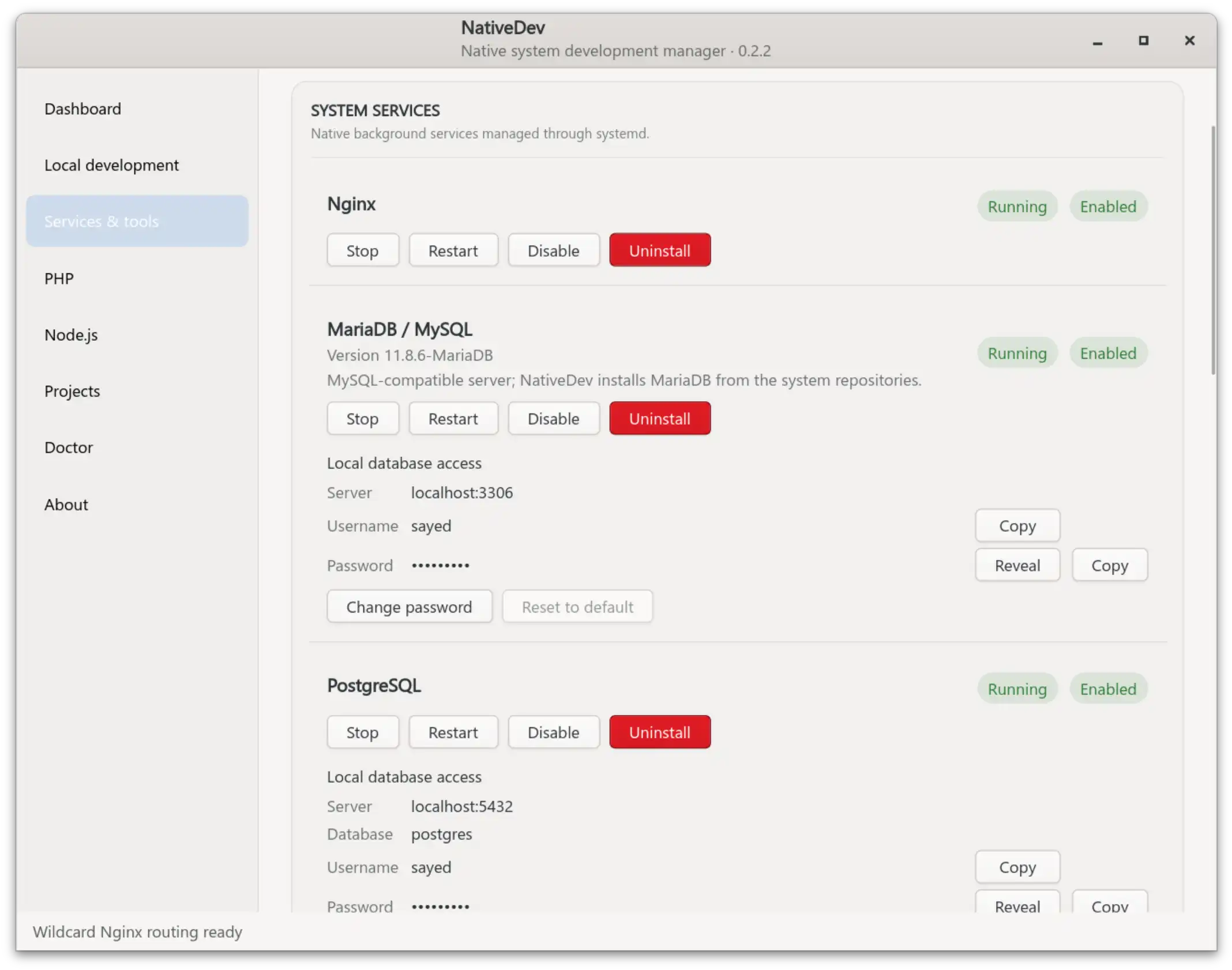
NativeDev's Services & tools page manages the native background services a typical PHP workstation needs, using the distro's own packages and systemd:
- Nginx
- MariaDB / MySQL (NativeDev installs MariaDB from your distro's repositories and shows the detected MariaDB version; it does not separately provision Oracle MySQL — one MariaDB / MySQL service card covers this role)
- PostgreSQL
- Redis Server +
redis-cli, tracked as one component (redis-server+redis-tools) - Memcached
- Composer
- mkcert +
libnss3-tools(certutil) for local CA/browser trust
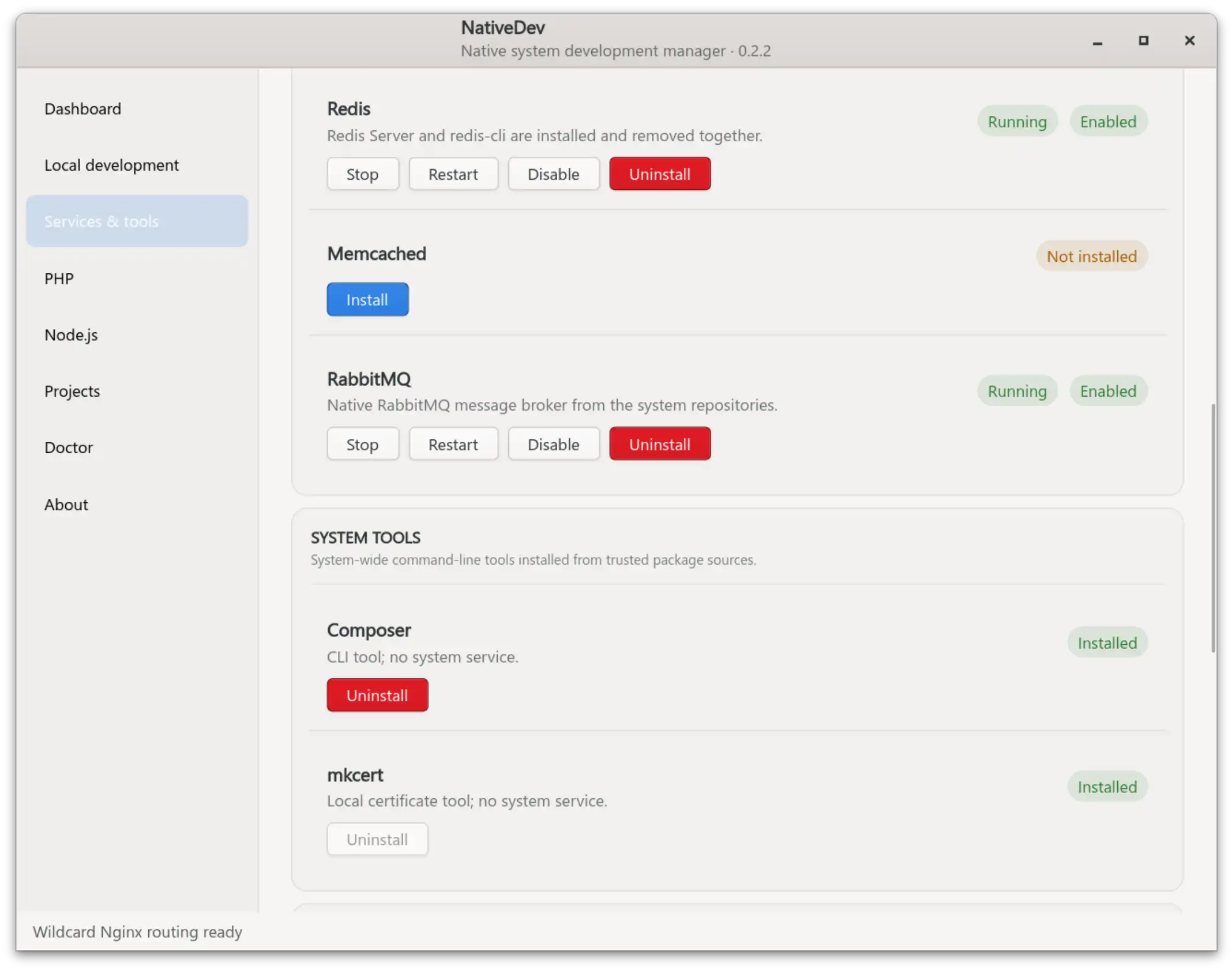
Every service that supports it gets start/stop/restart and enable/disable controls through systemd.
Local HTTPS tooling
Installing mkcert from NativeDev also installs libnss3-tools, which provides certutil. NativeDev uses mkcert for the local CA and the *.secure.<TLD> certificate used by Local Development; certutil is required for the browser/NSS trust step.
The certificate is not created per project. One wildcard certificate covers project.secure.<TLD> hostnames, while normal local HTTP continues to use project.<TLD>. See Local development for the URL model and trust flow.
Database accounts and credentials
After NativeDev installs MariaDB or PostgreSQL, it automatically provisions a database account named after your logged-in Unix user (for example sayed) with the default password nativedev — no second setup step is required. The Services page shows the managed server, port, username, and password with Reveal/Copy controls, plus Change password and Reset to default actions (Reset restores only the password back to nativedev, leaving the account and its data untouched).
Two adoption paths are offered if a matching account already exists:
- Use existing user — requires the current database password to match. NativeDev verifies it and stores the credential without changing the account's password. A mismatch changes nothing on the database side. Future Change/Reset actions are then self-service and do not need database-admin access again.
- Use NativeDev default account — never asks for the old password. It uses the privileged database-admin path to create or reset the current user's database account to password
nativedev, then verifies that password before saving it.
NativeDev never silently overwrites a pre-existing, unmanaged database account matching your current Unix username during discovery/reconciliation, and legacy nativedev-named roles from an earlier model are left untouched.
Credential metadata is stored at ~/.config/nativedev/database-credentials.json (mode 0600); a full database uninstall removes that saved credential.
Access model
- MySQL/MariaDB local access is granted development-appropriate privileges (database/schema/table/view/routine/trigger CRUD) without
GRANT OPTIONor user administration. - PostgreSQL access uses
LOGIN CREATEDBwithNOSUPERUSER NOCREATEROLE NOREPLICATION NOBYPASSRLS. - Connection cards show the conventional local endpoints
localhost:3306andlocalhost:5432; NativeDev still uses explicit TCP internally when it needs to prove password authentication.
Uninstalling a database
Database uninstall follows a conservative, APT-remove model by default: NativeDev stops/disables the service, removes the installed server/client package family, and forgets NativeDev's saved credential, while preserving your database data and accounts. The confirmation dialog has a default-unchecked Delete all database data and accounts option; enabling it additionally removes the default MariaDB data directory or PostgreSQL cluster data/config, so a later install starts from fresh accounts. Common/shared packages that other software might depend on are never purged or auto-removed as part of this.
Removal does not use an arbitrary short wall-clock timeout: APT runs non-interactively and is configured not to wait behind an already-busy dpkg lock, so a busy package manager is reported immediately rather than after a fixed delay, while a removal that actually starts is allowed to take as long as its package scripts legitimately need.
After a destructive PostgreSQL reset, NativeDev explicitly repairs the distro cluster lifecycle before provisioning accounts again: it creates/starts a main cluster if none exists, or starts the configured port-5432 cluster if it's down. This avoids ending up with PostgreSQL installed but unusable because no local socket is listening.
Related pages
- Security model — how privileged database operations are validated (username/password pattern checks, no client-supplied SQL)
- Troubleshooting — dpkg lock and removal-related error messages